
Features
Everything a no-subscription password manager should do
The list below is what ships in the app today, plus a few things marked "coming with 1.0" so you know which is which. Every claim links to the part of the security page that backs it.
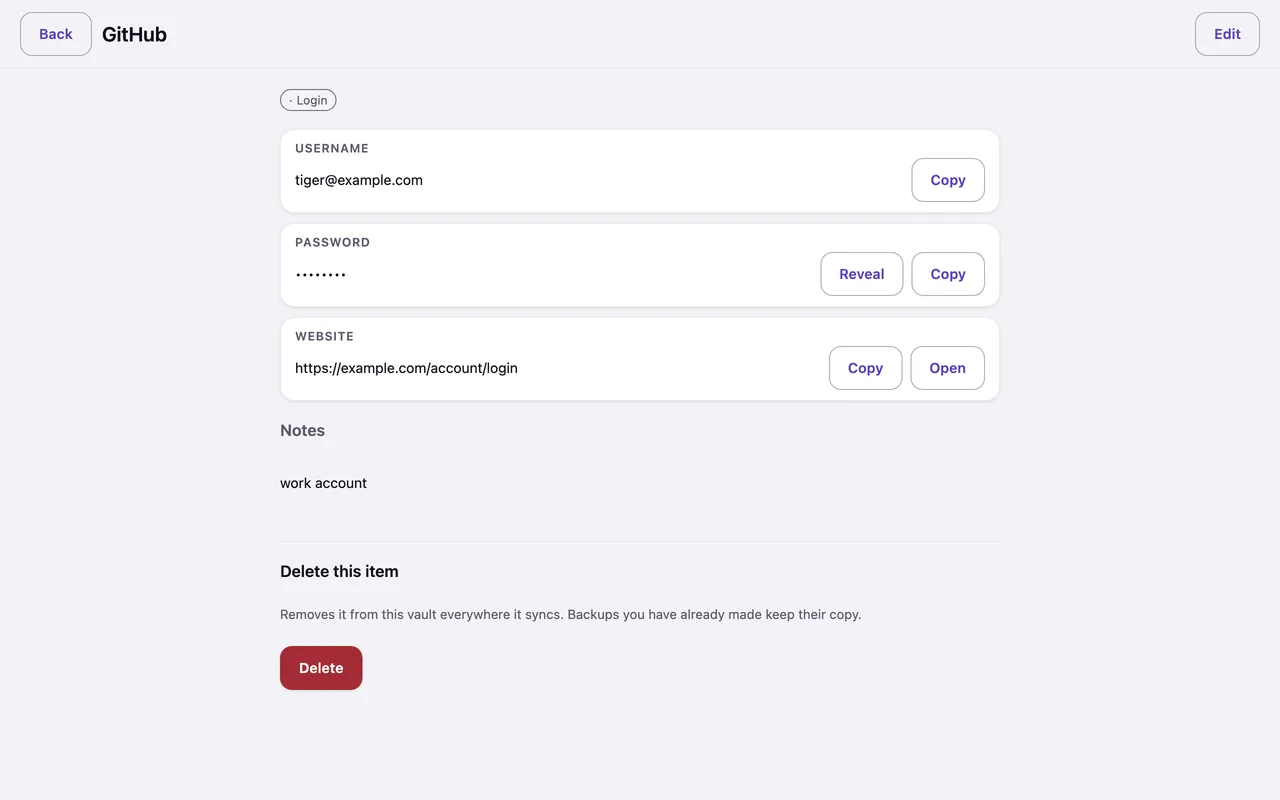
Autofill that never guesses
The browser extension and the Android autofill service fill only when the site's real address matches — decided by the core, never by a shim that compares domains itself. A lookalike site gets nothing. On Android, saving a new password from any app works too, and suggestions appear right in the keyboard. iPhone and Mac autofill through the system's own credential provider are built and waiting on signed builds.
Matching lives in one place and every new rule starts as a phishing-corpus test.
Passkeys with keys that can never be shown
Keep passkeys next to your passwords and sign in with them from the browser extension and on Android, with iPhone and Mac following as soon as signed builds are verified. A passkey's private key has no reveal button, no copy button and no place in search: it signs for its own site and does nothing else, so a lookalike site gets nothing even if you are fooled.
Passkeys arrive by import too, in the shared CXF format; ones tigerpassword cannot use yet are kept and labelled rather than dropped.
Seed phrases as a first-class type
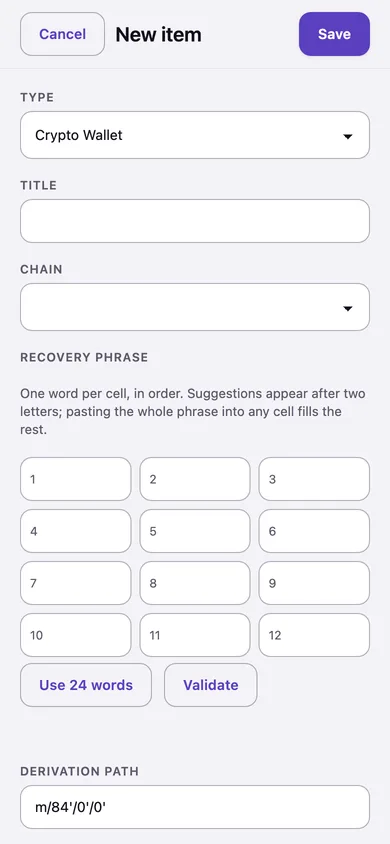
- Numbered cells with word suggestions from the official BIP-39 list after two letters; paste a whole phrase into any cell and it spreads across the rest.
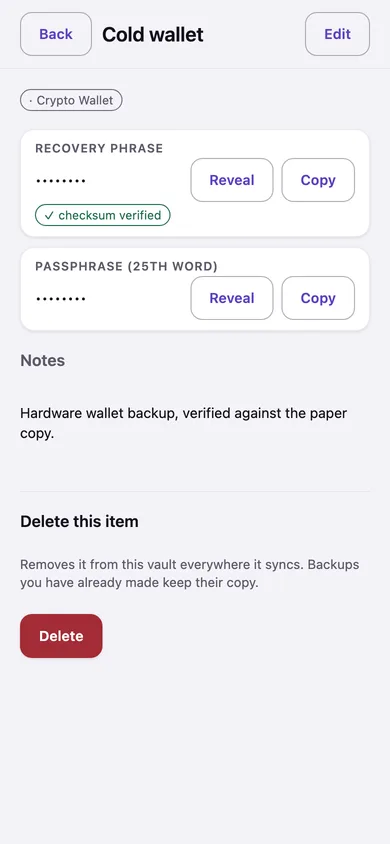
- Checked as you type. The checksum is never skipped to make a save go through; Electrum, Monero and SLIP-39 phrases are recognised for what they are. A phrase that does not verify is saved with a visible warning badge — never silently.
- Never autofilled, never searched. The extension and the phone services cannot ask for a seed, and the core refuses even if they did.
- Revealed on purpose: amber, a draining ring, concealed again after thirty seconds or the moment you switch apps.
Unlock with a hardware key, a fingerprint, or your face
Hardware security keys. Touch a FIDO2 key — a YubiKey or any of its cousins — instead of typing your master password, on Mac, Windows and Linux. The key never becomes the root of your vault: your password still works, still recovers, and is still asked for on the things that matter most. The key must verify you (its PIN or its fingerprint); presence alone is not enough. Enroll up to five, revoke any of them.
Biometrics. On iPhone and Mac the vault key rests in the keychain behind Face ID or Touch ID, device-only and never synchronised. Phones lock when you leave the app and the app switcher shows a privacy cover, not your passwords. Android remembers your Secret Key in its hardware keystore; fingerprint unlock on Android is on the roadmap.
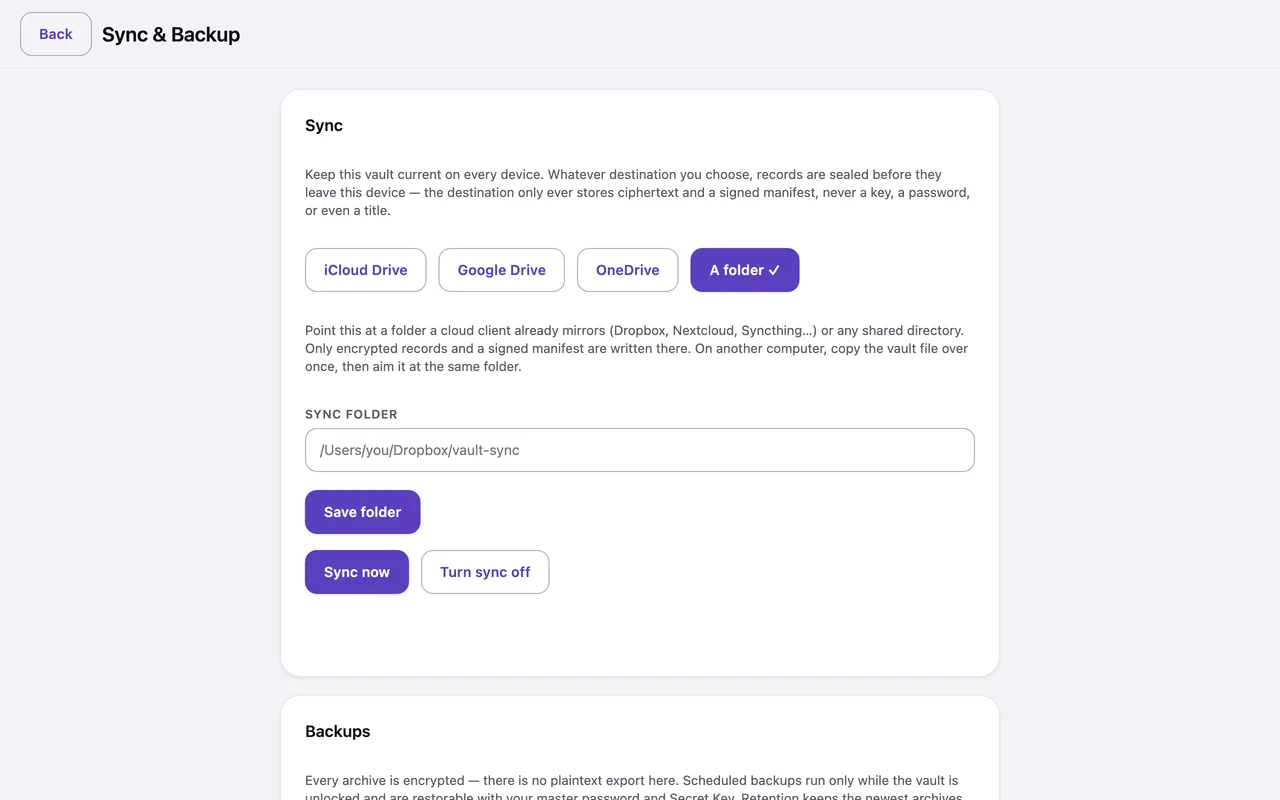
Sync straight to Google Drive or OneDrive — or iCloud Drive, Dropbox, Syncthing, any folder
No tigerpassword server in the middle, ever. What lands in your cloud is ciphertext and a signed manifest, never a title, never a key. The app refuses to act on a provider that misbehaves — a missing or garbled listing never reads as "delete everything" — and when two devices edit the same item, both versions are kept rather than one silently winning.
Direct Drive and OneDrive sync are built and contract-tested; live-endpoint verification is an open release gate and we say so on the security page.
Backups that are always encrypted, to wherever you trust
Your own folder, a WebDAV server such as Nextcloud, an S3 bucket, or an SFTP box whose host key you pin on first use — present a different key later and the connection is refused before a single credential is sent. Scheduled backups run while the vault is unlocked, keep the newest archives you choose, and on phones copy each archive to a folder you picked once. There is no plaintext-backup switch in the app because there is no plaintext-backup code path.
A breach check that never sends your password
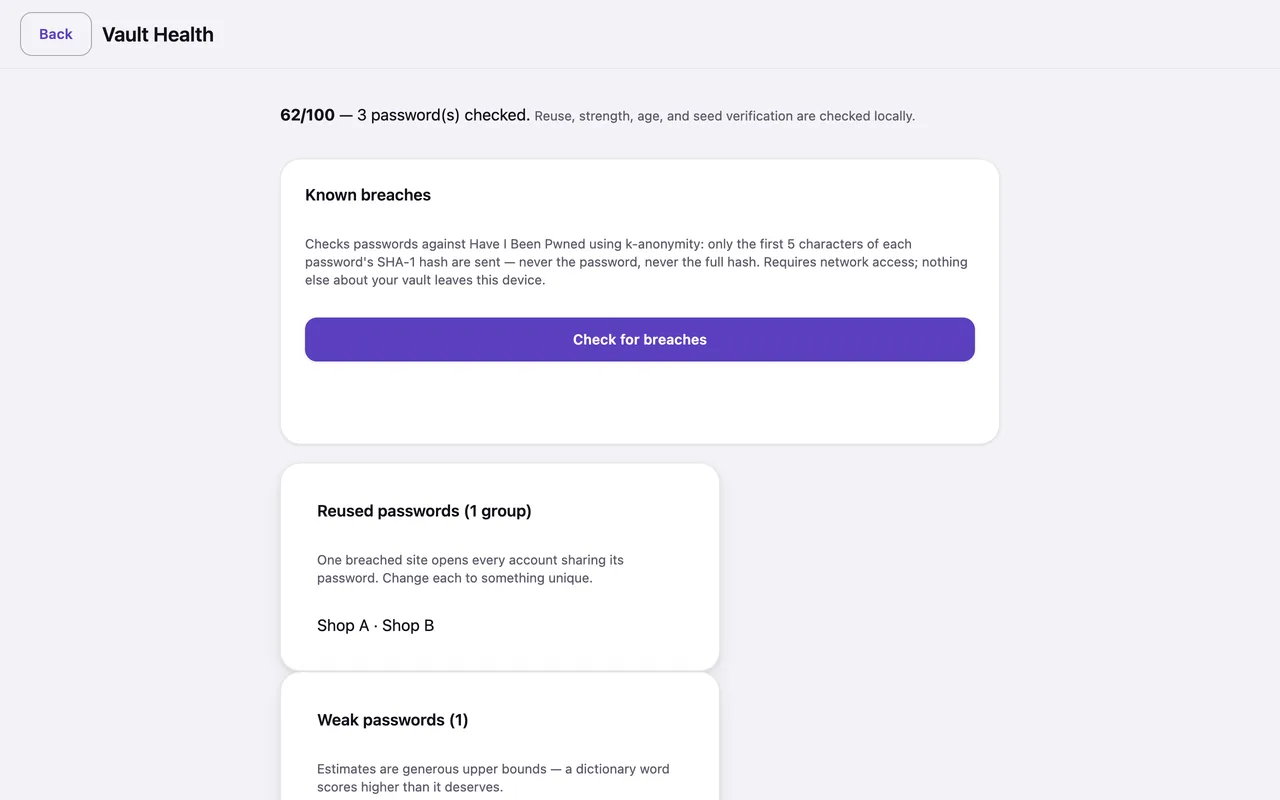
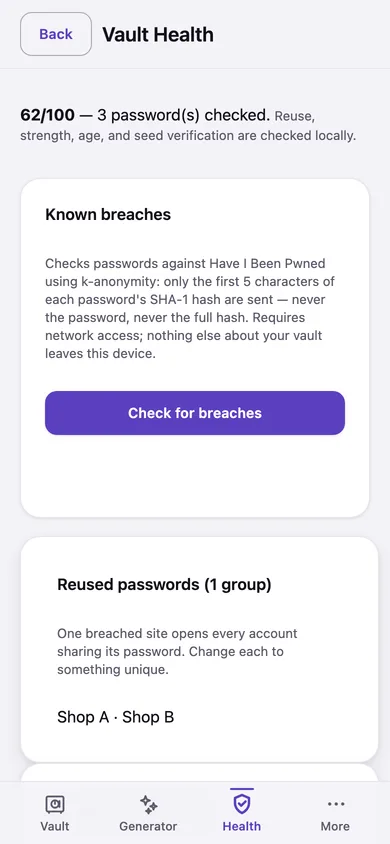
Vault Health asks Have I Been Pwned about the first five characters of a hash — the k-anonymity protocol — and does the matching on your device. Reused, weak and stale passwords are graded locally, and the strength numbers are honest upper bounds, not flattery. Seed phrases that fail verification are listed too.
Bring everything with you
LastPass, 1Password (1PUX, attachments listed by name), Bitwarden, KeePass and KeePassXC (opened directly with your KeePass password — no export), Chrome, Safari and iPhone passwords, Firefox, SafeInCloud, plain CSV with a column mapper, and wallet files from Electrum, Sparrow and MetaMask. Every import is previewed before it writes, duplicates are skipped, and a field with no obvious home becomes a custom field rather than being thrown away.
Phones that feel like phones
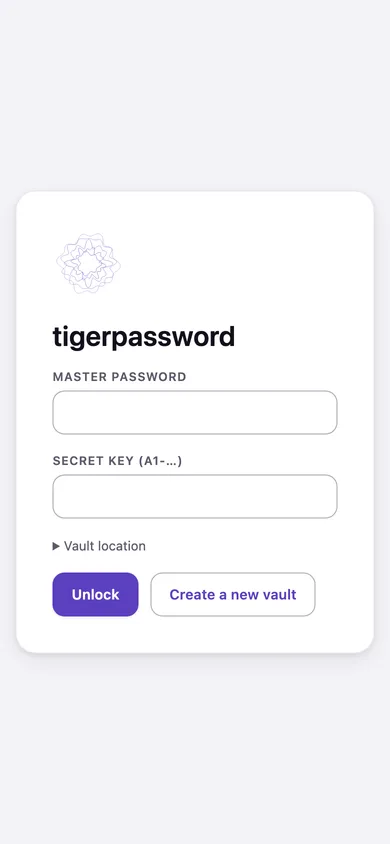
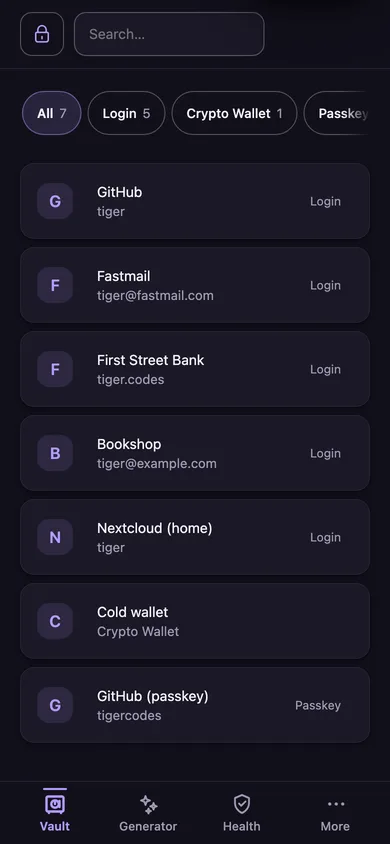
Biometric-first unlock, a bottom tab bar, one-tap navigation, a lock when you leave the app, long-press quick actions, pull to sync, and a QR scan to set up a second device — the Secret Key never has to be typed on a phone keyboard.
Also in the box
- Deep search that never writes an index. Find an item by any field you can see; hidden values never take part, and nothing is written to disk to make it fast.
- A generator for passwords and memorable passphrases, with the strength shown honestly.
- One-time codes (TOTP) with the countdown ring, copied in one tap.
- Attachments stored encrypted inside the vault.
- Templates for logins, cards, identities, wallets, passkeys and your own custom kinds.
- A command-line tool for imports, exports and scripting — and the lossless export that means nobody can lock you out of your own data, including us.
- Light, dark and high-contrast themes, an accent you choose per device or per vault, and text that follows your system size.